 VoxTexto.
What to do when a transcript is wrong
Fluent text can still be incorrect. Check the recording and spoken language, then correct only what you can verify.
Listen to the right file first
Play the selected recording before changing settings. Confirm the expected voice is present and the file is complete. If you cannot understand a phrase by listening, another run cannot guarantee its recovery.
The result is in another language
Interface language is independent of audio language. For Spanish speech, select Spanish under Audio language and transcribe again. Changing the selector does not convert text already generated. Mixed-language recordings may be assigned one predominant language; use separate clips if you need control over each part.
Invented words, noise and silence
Use Detect speech and skip silence to avoid sending some non-speech sections to recognition. If it misses a quiet voice, disable it and compare by listening. Voice detection reduces some problems; it does not check whether recognized statements are true.
The added-noise example shows how degrading sound changes the result. Do not trust an output merely because it forms a complete sentence.
Try another mode on a short passage
Higher accuracy may help with names and expressions that Fast misses. It downloads more data and can take longer. Both can be wrong. Keep the original recording and compare the new result before replacing useful edits.
Review in three passes
- Meaning: listen for missing ideas and added phrases.
- Details: verify names, numbers, dates, quantities and negations. Do not guess proper names.
- Presentation: adjust punctuation and paragraphs without changing what was said.
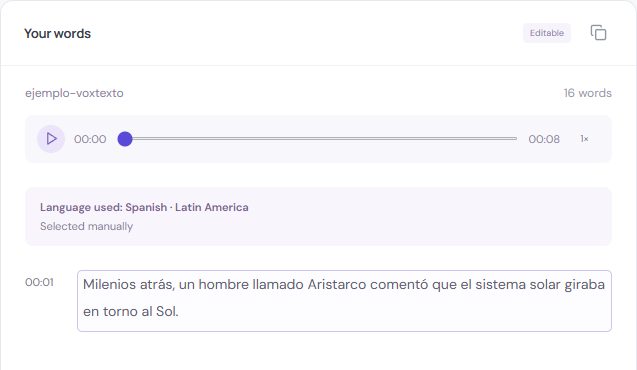
Mark uncertainty
Write a note such as [inaudible 00:12] if you cannot confirm a word. Mark overlapping speech rather than assigning it to a person without evidence. VoxTexto does not automatically identify speakers.
Keep a reviewed version
Downloads use the current editor text. Include timestamps when you need a reference back to the recording. Keep TXT or Word for editing and PDF for a reviewed presentation. There is no automatic account version history.